

Are you thinking of giving your “old” Windows 10 computer a chance by installing Linux ? Below we will see three basic suggestions that you should keep in mind. But before we get to them, we need to clarify something important first.

In Linux, there’s something called a desktop environment. You can think of it like the user interface in Windows – the place where you use your mouse to click, open windows, and interact with applications. So here’s a key difference: the desktop environment isn’t a built-in, unchanging part of the system in Linux. It’s optional, a separate package on top of the base operating system.
It might sound a little strange at first. And to make things even more interesting, Linux doesn’t just have one desktop environment – it has many. Each one has its own style, features, and a different approach to how things should work and look. Some are sleek and modern, others are lightweight and simple, and they can all look completely different.
And yes, you are not limited to just one. On Linux, you can install multiple desktop environments side by side and switch between them whenever you want. Linux is a whole different world. A world where you are free to shape your experience however you want.
Why are we mentioning all this? Because for most new users, the desktop environment is their first experience with Linux, and as we all know, first impressions matter.
If you're coming from Windows, KDE Plasma is the best desktop environment to help you feel at home and get used to Linux with minimal stress. Another great option is Cinnamon, which meets many of the same criteria and can work just as well.
Why KDE? If you're coming from Windows, KDE will probably feel most familiar to you. It's actively maintained, with steady and predictable development, so there are no crazy surprises waiting for you.
Another important factor that makes KDE stand out is its balance. It has a clean, well-organized interface that makes sense—no complicated layouts, missing features, or weird design decisions. Inside, it offers endless customization options for users who want to fine-tune every detail of their UI.
So let's take a look at the three top options we recommend to anyone thinking of switching from Windows 10 to Linux.
openSUSE Leap
If you're a Windows 10 user wondering what to do after support ends, consider openSUSE Leap. Leap, not the rolling release called Tumbleweed, which can overwhelm newcomers with frequent updates.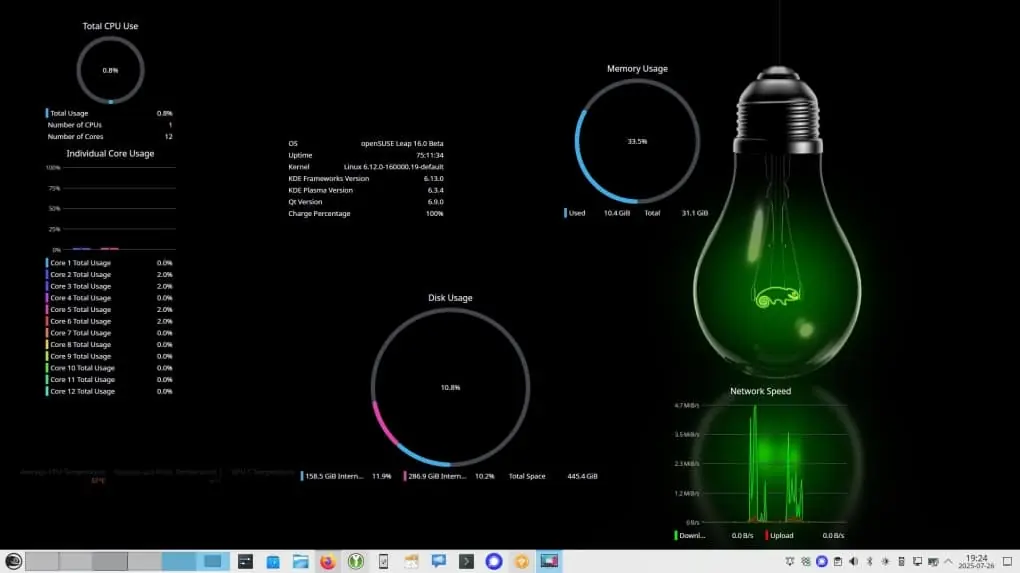
You can't go wrong with openSUSE Leap. It's based on the SUSE Linux Enterprise source code. It's robust, user-friendly, everything works simply, and it's known for its long-term stability.
You won't encounter any sudden changes or unexpected surprises. Best of all, it's backed by SUSE — one of the biggest names in the world of enterprise Linux — so you're in good hands.
Linux Mint
Our second suggestion is Linux Mint, a distribution that has really earned its reputation as one of the best Linux desktop options in recent years. Everything about it is designed with one clear goal in mind: to make life easier for the end user.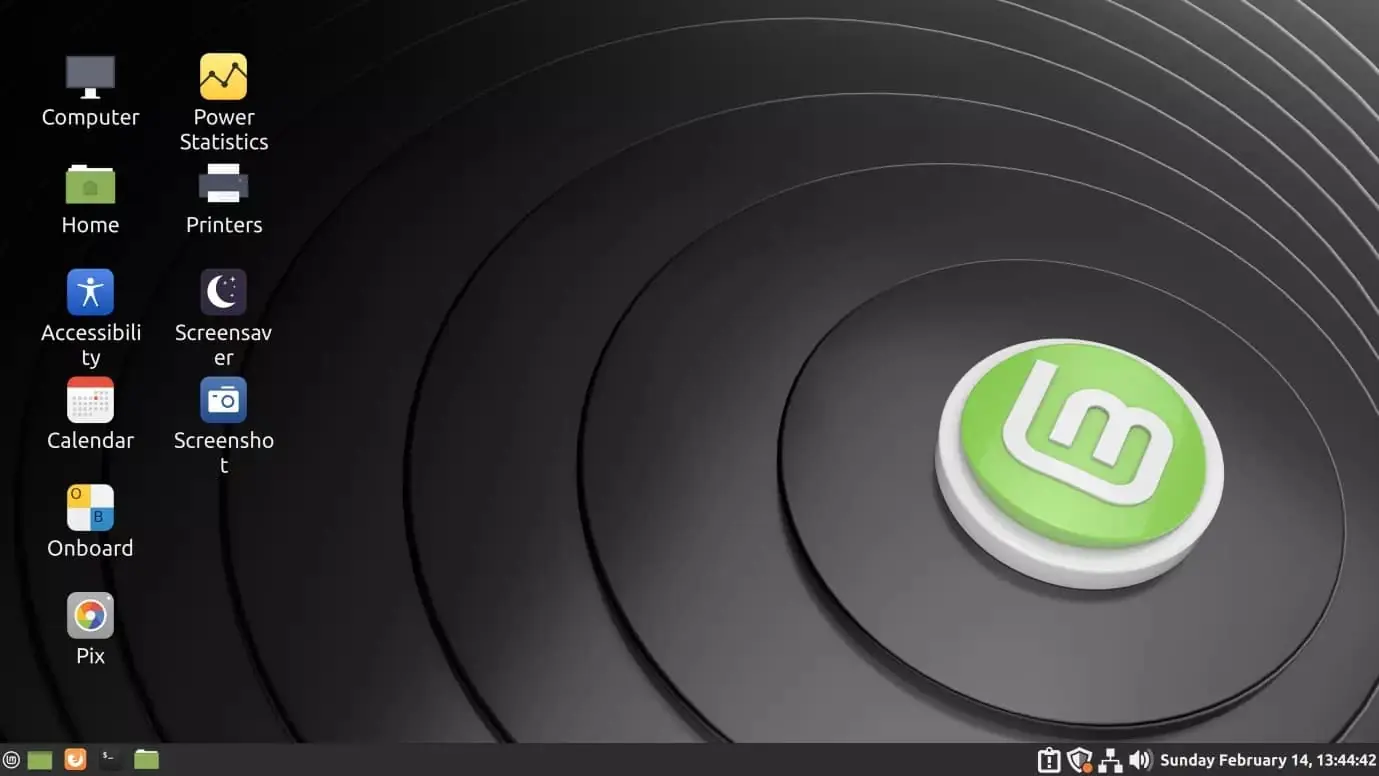
It uses the Cinnamon desktop environment, which was developed by the Linux Mint team itself, so it's the best version you'll find anywhere. It's a pleasure to use: it's light, simple, and – just as importantly – comfortable and familiar, especially for anyone coming from Windows.
Fedora-KDE
Our last suggestion is Fedora, but the KDE version of the distribution. Here again, you can trust another top player in the desktop space, this time with the support of Red Hat.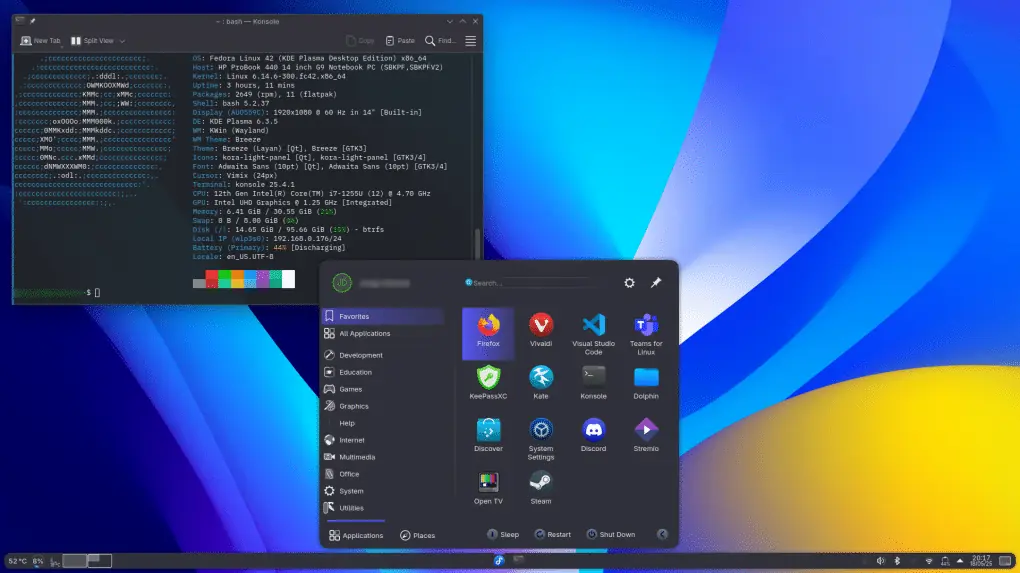
Needless to say, you have a reliable and stable system, with the added advantage that the software versions are always the most up-to-date. If it can be considered a disadvantage, you will have to upgrade to a new version every six months, but this is not something to worry about, the process is completely routine and hassle-free.
If you are a Windows 10 user and wondering what to do after October 14, 2025, we hope the suggestions above help you decide.
The three distributions we recommend are carefully selected based on support and ease of use. They are developed by teams of developers and companies, not by a single developer who might stop updating tomorrow.
Bonus distribution
Kubuntu, which is Ubuntu with KDE. Also easy to use, it is developed by Canonical and has a huge support community.
If you're thinking about trying Linux, I truly believe it will pay off in the long run. Just start with realistic expectations and Linux will give you the freedom you've been dreaming of.


0 reviews
iGuRu.gr