

Recently, Microsoft announced that it is adding a very simple yet effective way to boost Teams performance on Windows 11 computers . The company explained in detail how it works and how to use it.
Performance is of course one of the most important aspects of any application, so the user interface (UI) and overall user experience (UX) remain simple, intuitive, and at the same time useful.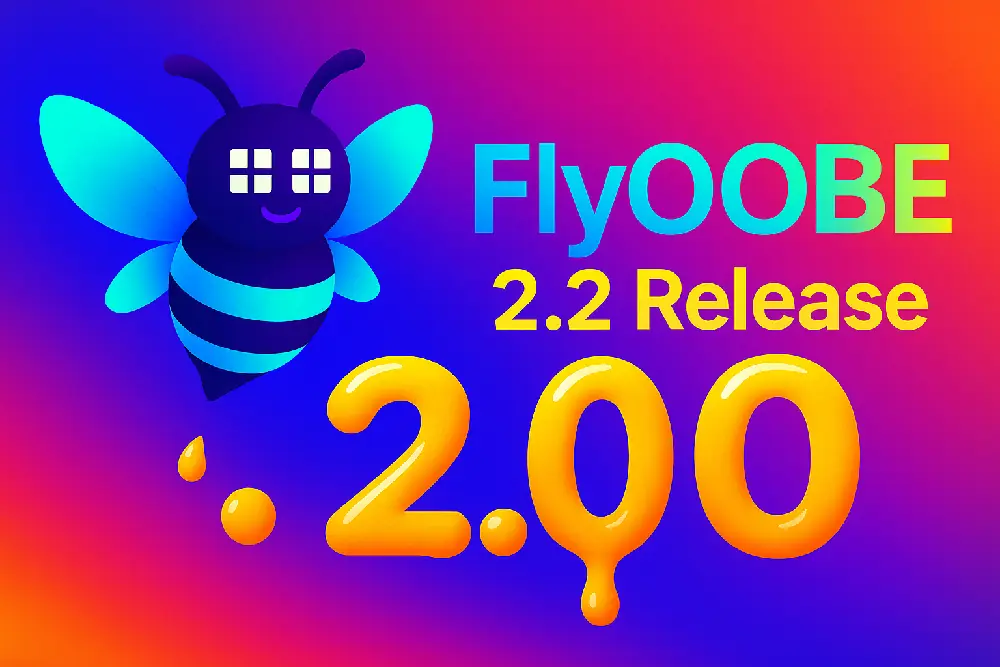
However, the company recently identified several significant issues across the Windows Shell , which includes core operating system features like the Taskbar, Explorer, and more, for some enterprise systems. These issues are related in one way or another to XAML, which essentially powers the vast majority of Windows UI elements based on UWP, WPF, WinUI.
One of the most useful third-party apps out there that allows you to bypass the requirements is Flyoobe, and the app's creator released the latest software update for it this week. The update includes performance improvements and promises lower memory usage. While mentioning all of this, the developer also expresses his frustration with the overall state of Windows, writing:
“[Flyoobe] Further accelerated app launches and reduced memory usage. It wasn’t always bloated with XAML/WinUI like the Start menu or Windows 11 Explorer… and every millisecond counts (yes, I’m currently at war with Microsoft’s performance options. Maybe one day they’ll actually fix the performance issues instead of adding another shiny Copilot button. And honestly, it hurts to watch an operating system you once loved slowly crumble from misplaced priorities and decisions. Let’s see how long it takes until they manage to get me to the other side)”
In addition to performance gains, the new Flyoobe update also contains UI and UX improvements. The rest of the changelog is available on GitHub.
You can download the latest version of the application, 2.2, from the official GitHub repository page.

Wonderful composition (site), I will follow it and give my opinion later... thank you very much.
I don't know the public's relationship with AI, but mine was and remains beneficial in terms of collaboration. I have everything I could ask for. From every side of curiosity and help. So far, free of charge from all companies. The best in my opinion was ChatGPT, but lately I have also been using copilot and mainly Gemini. From my experience so far, I was disappointed with the much-advertised Chinese deep seek and also Claude. The first is stupid and the second is poor. Grok is a good course but not impressive. As a path of progress, Gemini is the most appropriate, which incorporates more and more tasks and is free of charge. At least so far, while ChatGPT after the 5th question says without meaning it that it lowers you to a lower form of intelligence.
You, my friend, are referring to the free versions.. when we talk about the paid ones, the best for the code is Claude, but in the text you have no idea what it does. But the Chinese deepseek is also excellent in the text. OpenAI is very good in general in everything, but in the applications I write I use the Claude text writing model.