

Its user Twitter @thebookisclosed has released a handy tool that allows you to create custom ISOs of Windows 10X specially optimized for your computer in just a few clicks.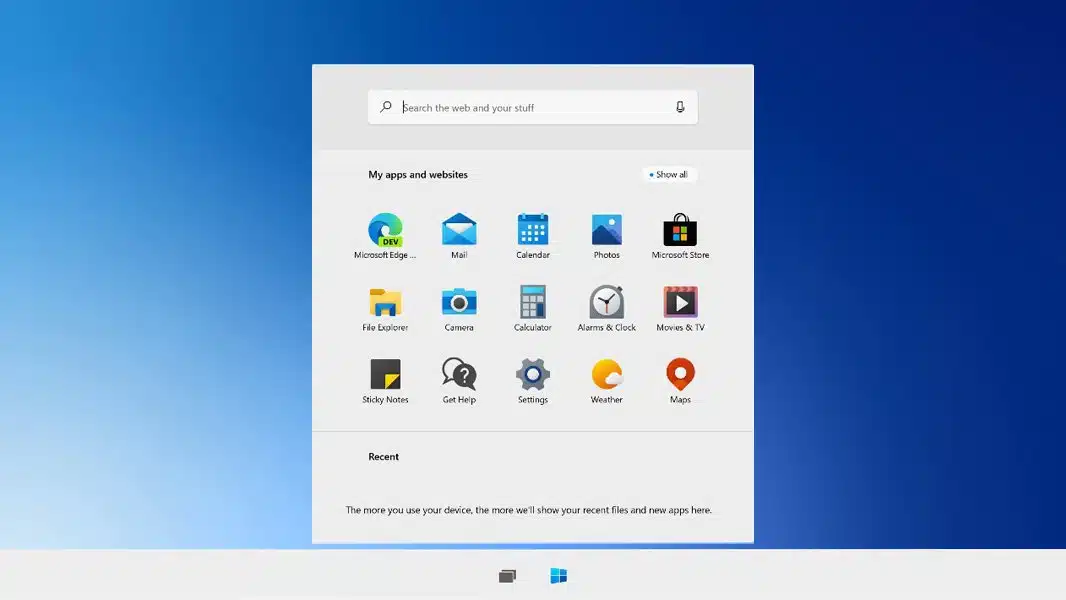
It will try to copy all the installed drivers and create a ready-to-use FFU package. So you can use it to install Windows 10X on your device.
Before installing Windows 10X on traditional hardware it was a very difficult process to approach for users with less technical knowledge. As of today, everything is as simple as creating a regular Windows installer.
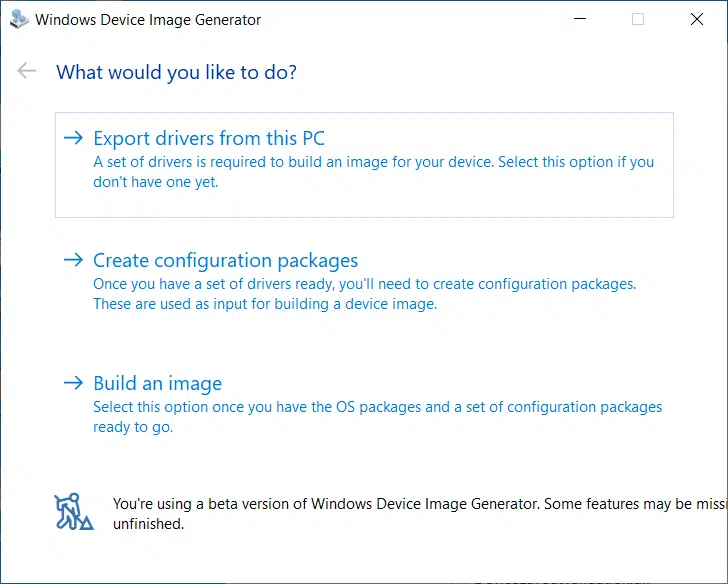
To create a custom Windows 10X installer, Windows Device Image Generator software will extract all the drivers from your current computer, create configuration packages, and later create a ready-to-use Windows 10X ISO.
Be aware that the utility may not have UUP files for Windows 10X versions.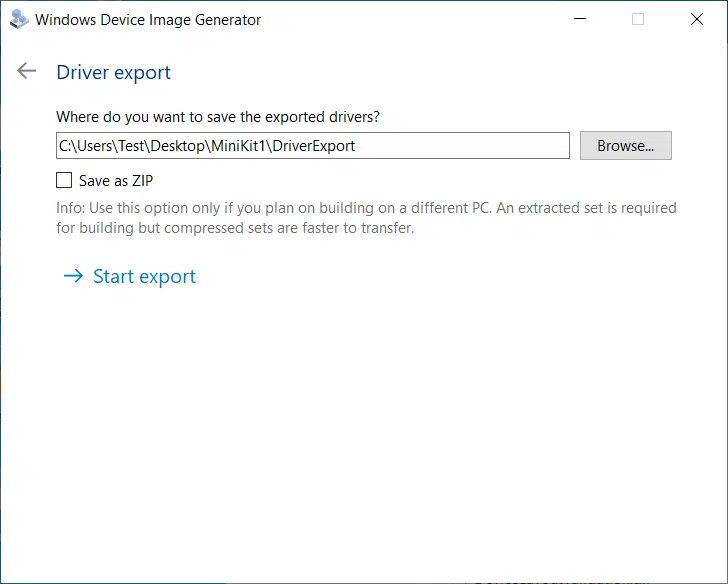
This means you need to download them and create a folder with everything you need. In case you plan to play with Windows 10X, make sure to download the UUP files first. This can be done with the help of another tool from user @gus33000, on GitHub.
You can download Windows Device Image Generator from here.
Although the program looks and works just fine, the developer reports that this is a beta version which means that you may experience bugs or compatibility issues.



0 reviews
iGuRu.gr