

Just the Browser helps you remove artificial intelligence features, telemetry data reports, sponsored content, product integrations, and other annoying things that today's desktop browsers contain.
The plugin's goal is to give you "just the browser" and nothing else, using hidden settings in browsers intended for companies and other organizations.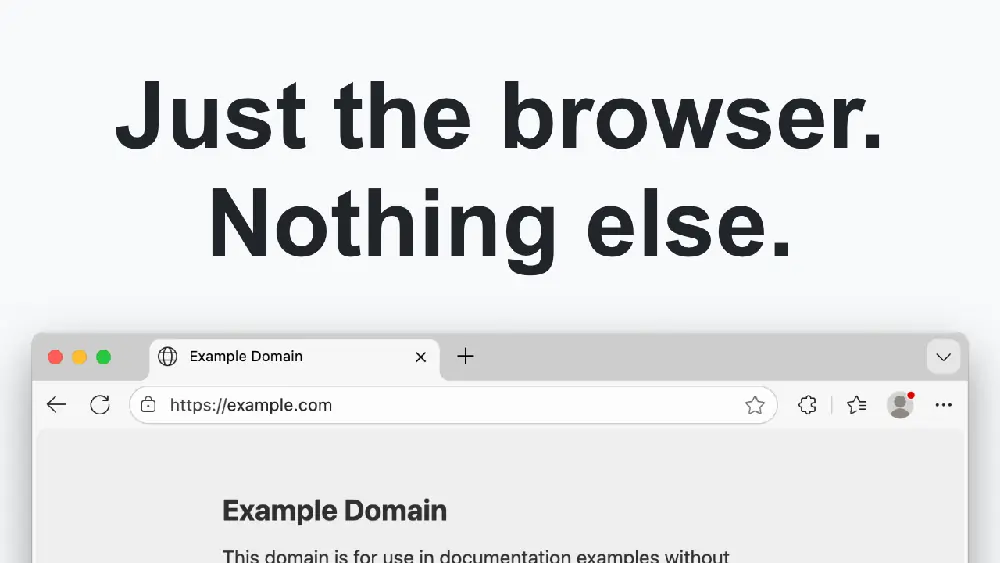
This project includes configuration files for popular browsers, documentation for installing and modifying them, and scripts for easy installation.
Everything is open-source and can be found on GitHub.
The installation script can install the configuration files in just a few clicks. You can also follow the guides for Google Chrome , Microsoft Edge , and Firefox.
Windows: Open PowerShell as Administrator. Then, copy the following command, paste it into the window (Ctrl+V), and press Enter:
& ([scriptblock]::Create((irm "https://raw.githubusercontent.com/corbindavenport/just-the-browser/main/main.ps1")))Mac and Linux: open a terminal, copy-paste the following command into the window (Ctrl+V or Cmd+V) and press Enter:
/bin/bash -c "$(curl -fsSL https://raw.githubusercontent.com/corbindavenport/just-the-browser/main/main.sh)"


0 reviews
iGuRu.gr