The Linux Mint project today released the final version of the Linux Mint 20.2 “Uma” distribution, a major release that brings improvements, new possibilities and updated packages.
It is based on Ubuntu 20.04.2 LTS (Focal Fossa) and runs the LTS 5.4 LTS kernel series. Linux Mint 20.2 "Uma" runs the latest Cinnamon 5.0 interface, as well as Xfce 4.16 and MATE 1,24 in the respective Xfce and MATE versions.
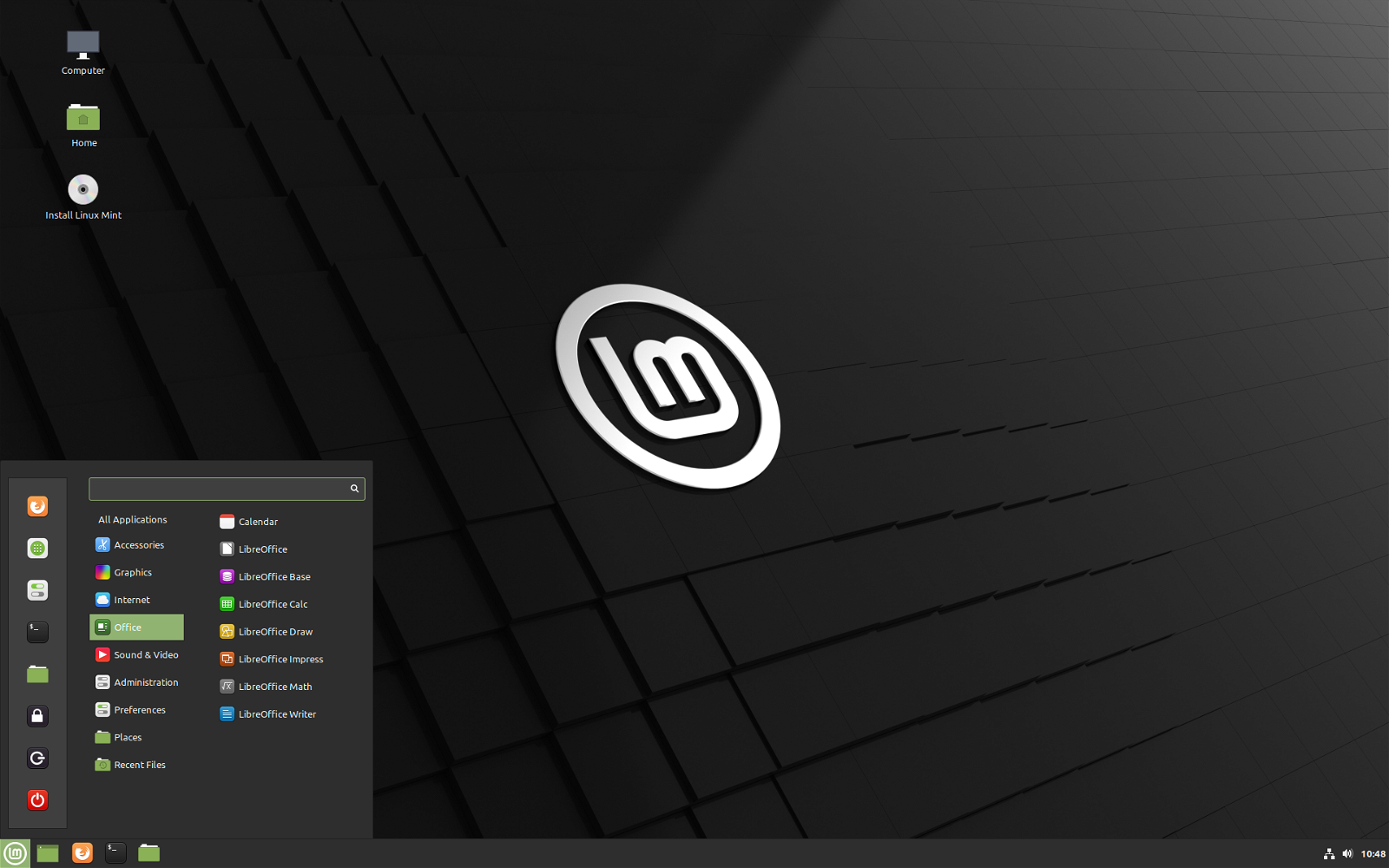
Highlights of Linux Mint 20.2 include an updated application warpinator with support for choosing which network interface you want to use for file sharing, with a new optional compression setting for up to 3x faster file transfers. An updated NVIDIA Prime app that now supports PCs with AMD/NVIDIA hybrid graphics, as well as an updated Update app Managers with support for Cinnamon updates and automation of Flatpak updates.
A new application has been included in all versions (Cinnamon and MATE), called Bulky (hereinafter File Renamer), can be used for bulk file renaming. Additionally, this version brings Sticky Notes as a replacement for GNote for managing your notes.
Other notable changes include better support for HP printers and scanners, support for pictures .svgz in the default image viewer, support for incognito/private browsing in the WebApp application manager, and new highlighting options in the default text editor.
Finally, Linux Mint 20.2 brings the new notification feature, which will help you keep your Linux Mint installations up to date.
“In Linux Mint 20.2, Update Manager is now able to remember how long each update has been available, how many days your computer has been on, and assess whether a notice it would be appreciated to remind you of available updates,” the Linux Mint developers say.
You can download Linux Mint 20.2 “Uma” now from official webpage in Cinnamon, Xfce and MATE versions for 64-bit computers.
Existing users of Linux Mint 20.1 will be able to upgrade to the new version via the Update Manager utility in the coming days.