

The PDF-XChange Editor is a lightweight PDF editor and PDF viewer that allows you to create, view, edit, annotate, OCR, and digitally sign PDF files.
While most features are free , some features require payment and are clearly indicated. These will place a watermark on your output.
These features can be hidden by selecting File > Preferences > Recording – select “Hide all features from toolbars and menus”.
Bug fixes and improvements
- Added the option to use multiple languages for font character recognition. Available for “Repair ToUnicode CMap” operation and for converters in MS Office (Word, Excel, PowerPoint).
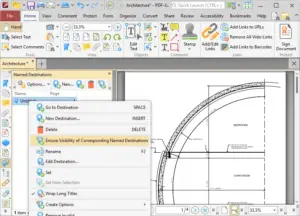
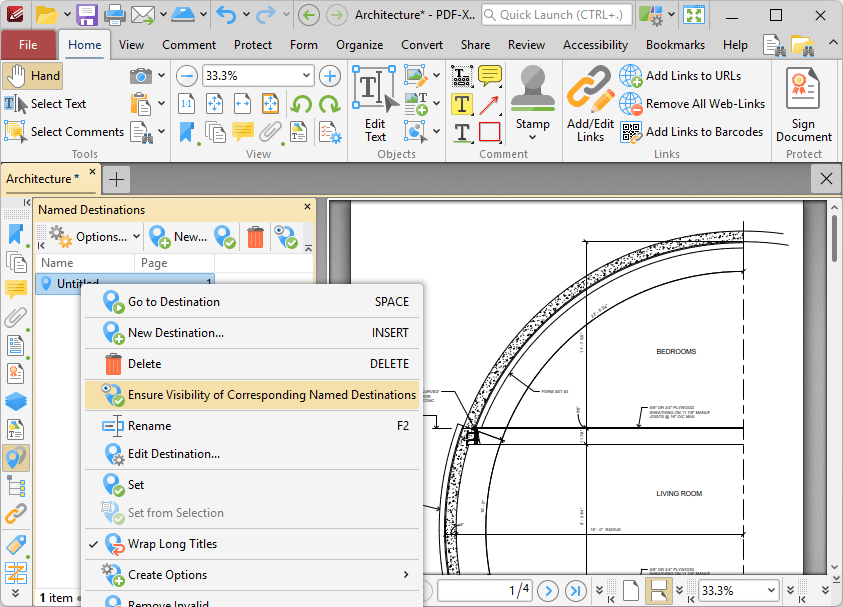
- Added an option to 'Ensure Visibility' to the 'Named Destinations' pane.
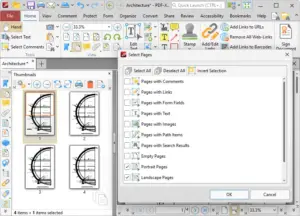
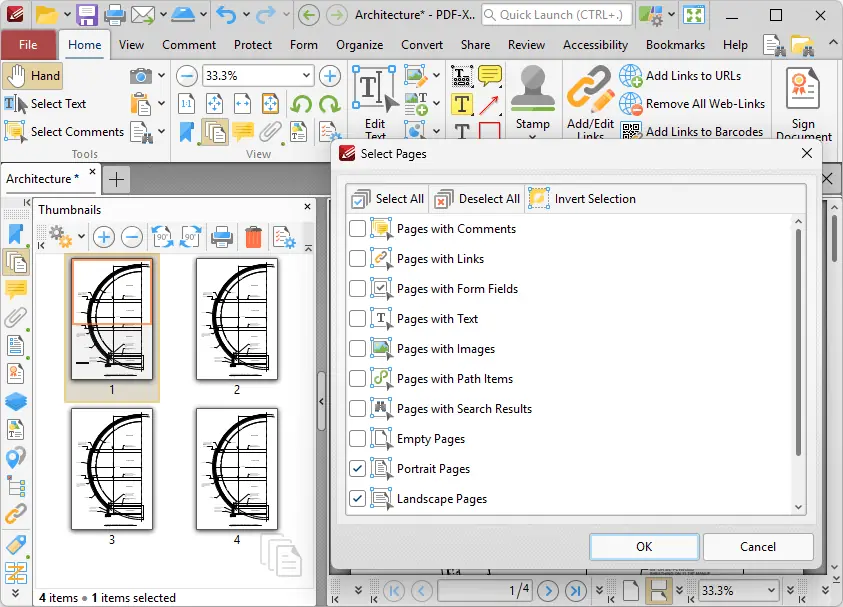
- Added the ability to select pages by aspect ratio.
- Added the option 'Show Comments from Hidden Layers' (on by default) to the Comments Pane, enabling users to hide comments that belong to hidden layers.
- Added a feature for specifying options for copying Named Destinations when inserting/extracting pages.
- Added the ability to distribute documents horizontally/vertically.
- Added a feature to make the visibility of child layers dependent on the visibility of parent layers.
- Added the ability to select corresponding objects belonging to layers.
- Added the ability to show review histories for markup annotations.
- Added playback controls for audio links.
- Download: PDF-XChange Editor (64-bit) | Portable ~300.0 MB (Shareware)
- Download: PDF-XChange Editor (32-bit) | Portable ~ 200.0 MB
- Download: PDF-XChange ARM64 | 276.0 MB
- Download: PDF-XChange Portable @PortableApps.com | 97.0 MB
- View: PDF-XChange Editor Website


0 reviews
iGuRu.gr