

Microsoft has officially released version 0.102 of its popular and free PowerToys tool collection , which is available for Windows 10 and Windows 11 users.
This new update focuses on enhancing productivity, bringing new features as well as significant fixes to existing utilities.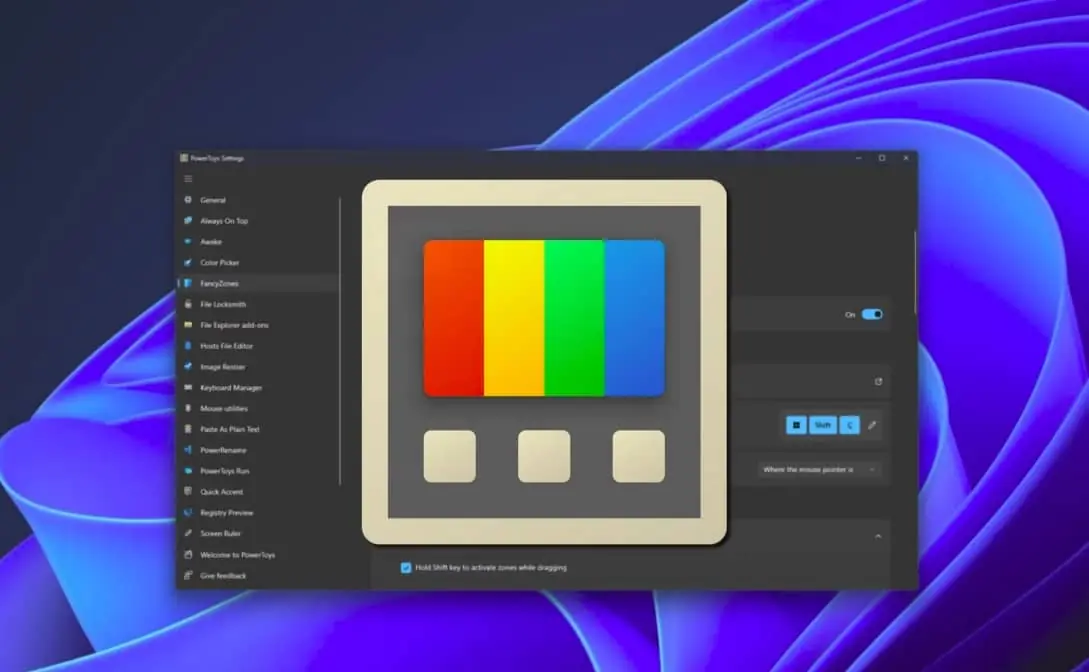
The main changes and new features
Version 0.102 introduces a number of useful upgrades that make your daily computer use easier:
• New mouse tools: Mouse Button Lock (click lock) and CursorHide (automatic cursor hiding) functions are added.
• PowerToys Workspaces: The new desktop management application comes with modified settings for even better organization of your windows.
• ZoomIt & Command Palette Upgrade: Added snip dictation to ZoomIt and a quick-access shelf to the Command Palette.
• Command Line Tools (CLI): Command line tools are now supported for the popular Advanced Paste, Light Switch, Settings, and Peek.
• Keyboard Manager: Easier editing and addition of tap-alone remaps for complete customization of your keyboard.
• Modern Design: The Color Picker and Text Extractor tools are ported to the WinUI 3 platform for a more modern look and better performance.
How to download the new version
You can obtain PowerToys 0.102 in the following ways:
1. Downloading the installation file directly from the official PowerToys page on GitHub.
2. Through the official Microsoft Store by searching for the application.
3. Via the command line (PowerShell) using Winget with the command:
winget install Microsoft.PowerToys -s wingetTo see the full list of technical details and bug fixes, you can read the Full release notes on the project website.
Download the app and read more in the Full release notes
https://github.com/microsoft/PowerToys/
or see the application at
Microsoft Store's PowerToys page.



testing comments for wp