



You may have encountered a "new" form image known as WebP. It's been around for about a decade, and was created by Google. Today usesfrom too many websites.

The annoying thing you'll discover (if you don't already know) about the WebP format is that it's not supported by many programs.work images. So when you download a WebP image, you probably won't be able to edit it. Of course you can't save it in some other format directly.
Recently, a plugin called Save WebP as PNG or JPEG (Converter). The extension is very useful because it converts and saves WebP images to some editable format and resolutions.
Once installed, you can find it in Firefox by right-clicking on a WebP image as shown below
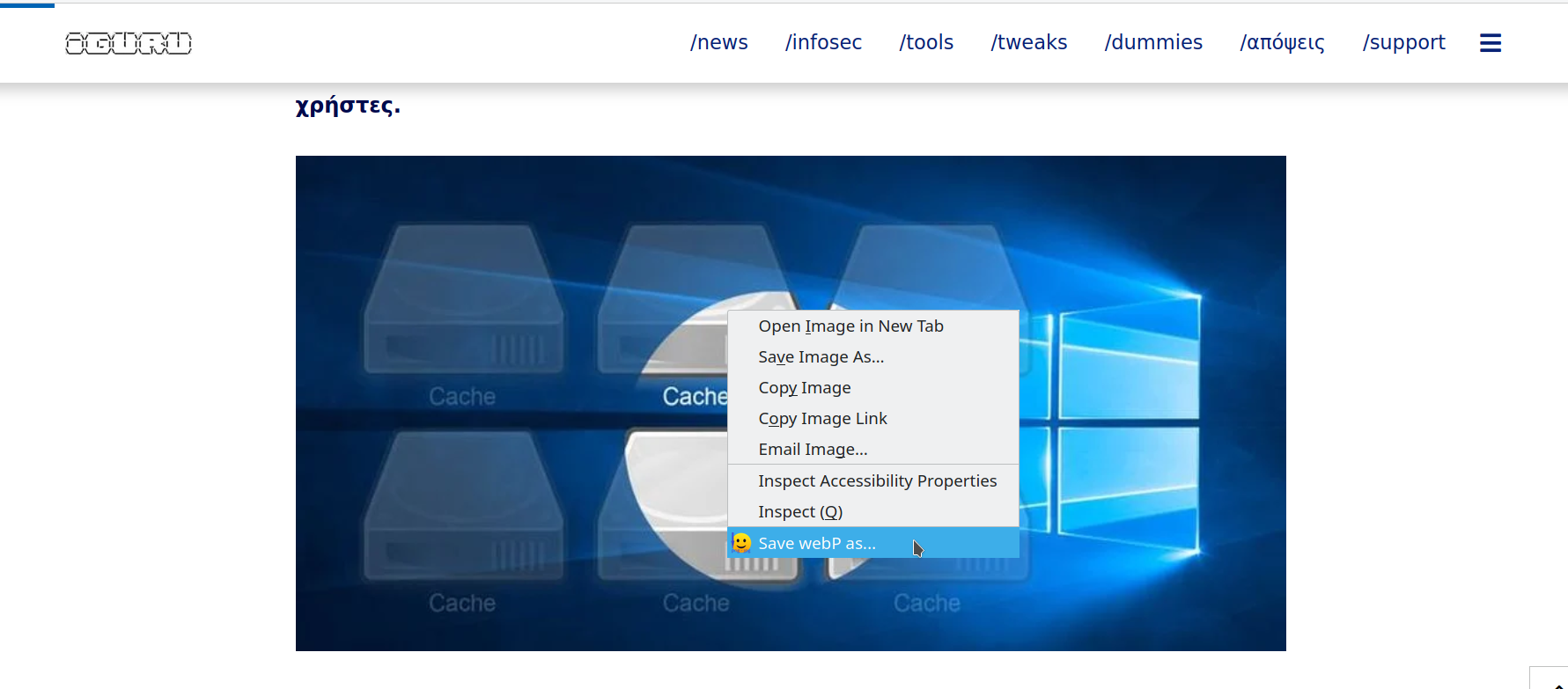
Select Save WebP as or Save WebP as and many options will appear to the left of the image.
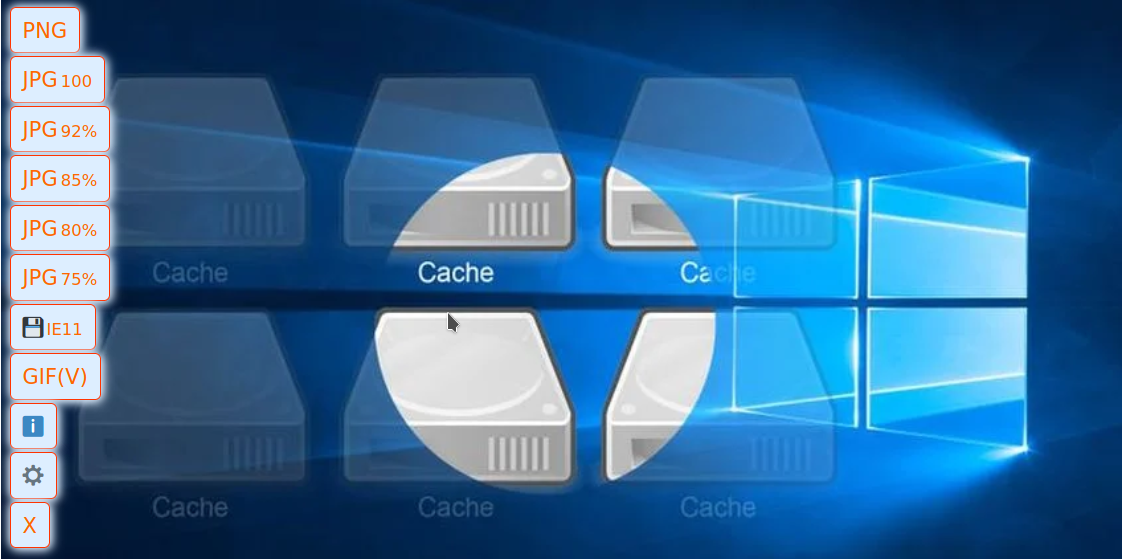
You can choose the format you want to save the image, as well as (PNG, JPG, GIF) but also the quality (100/92/85/80/75%) of the JPG format.


I again save it with a right click and change the ending to jpg… am I doing something wrong ??? Because even so, it saves them fine… ..
in some it can be done, in others again not whatever ending you put