

In an earlier post we saw the tiny11 builder, One application which allows you to extract from an ISO of Windows 11 the requirements for hardware and hundreds of megabytes of bloatware. So today the TECHNOLOGY updated adding support for the latest changes in Windows 11 and the latest version 26XX.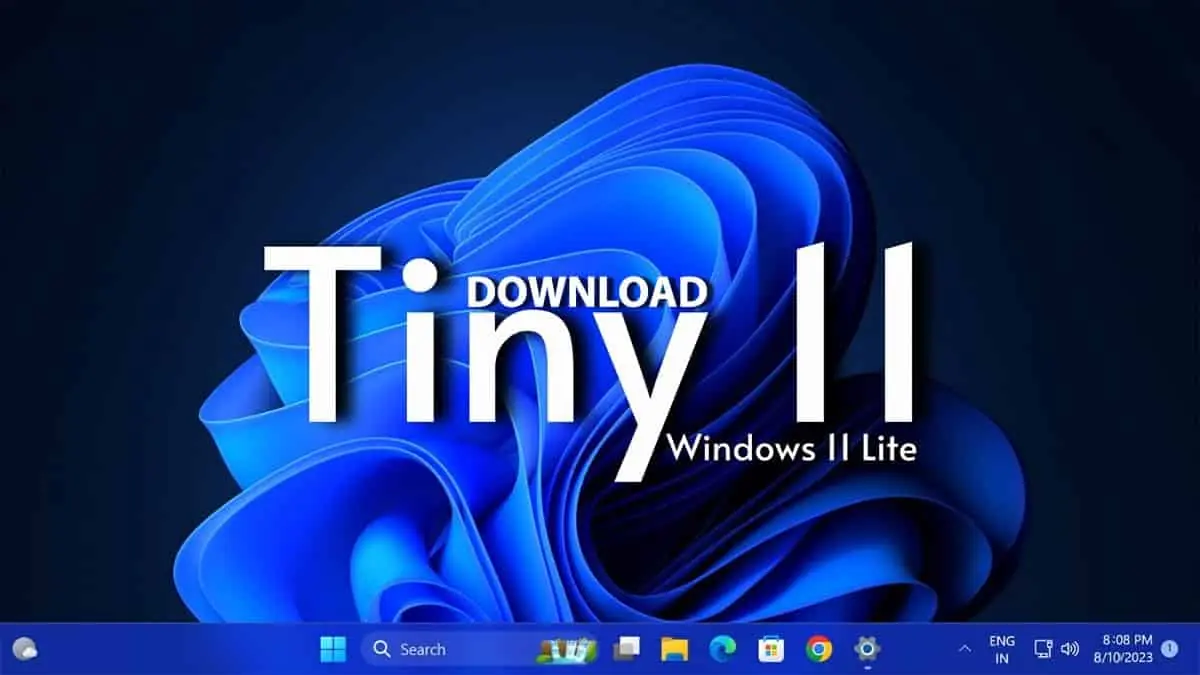
Tiny11 Builder is a free tool for Windows 11 that allows you to create lighter versions of the operating system (ISO) by removing unnecessary software (bloatware), Edge, OneDrive, and TPM requirements.
Windows 11 comes with a lot of pre-installed apps and features that you may never use, but removing them isn’t always a simple task. Tiny11 Builder comes to solve this problem by allowing users to create a “light” version (ISO) of Windows 11, stripping out unwanted components before installation. This free, open-source tool now features a redesigned user interface (WinUI), making customizing Windows installation ISOs (images) more accessible.
The app supports three creation modes: Tiny11, Tiny11 Core, and Custom.
The standard Tiny11 configuration removes unnecessary pre-installed apps and selected Windows components, while preserving essential features such as Windows Update, Microsoft Defender, Windows Recovery Environment, and Microsoft Store.
The Tiny11 Core version takes a more drastic approach, stripping out extra components and disabling security and recovery features. It is better suited for testing environments and virtual machines than for everyday use.
On the other hand, the Custom mode gives users the ability to choose which applications, services, drivers, and other items they wish to remove.
NTDEV, the developer of tiny11 and other related projects, announced the update for the tiny11 builder on its X account.
A new release of tiny11 builder is out with many new fixes! pic.twitter.com/u51UeHGfpx
— NTDEV (@NTDEV_) October 15, 2026
The October 2026 Update now works with any version of Windows 11 and any language or architecture, with improved PowerShell scripting capabilities.
Tiny11 Builder 0.1.3 changelog:
- Handle Uninstall Pending capability removals on serviceable Tiny11/Custom images without failing the build. The report shows them as deferred until first boot, not already removed. This includes previously served and UUP-converted media.
- Keep pending payloads intact and skip incompatible cleanup/Edge file removal. Core and Custom component-store pruning still stops if pending operations make deletion unsafe. Still-installed, unknown or conflicting removal results remain errors.
- Remove the matching offline Microsoft Edge installed-program entry after its files are successfully removed. Failed or deferred file removals keep their registrations? unrelated entries are not deleted.
- Add optional Support development links in the sidebar and successful-build page, with monthly and one-time choices. No automatic donation prompts, payments or locked features.
Download the updated script
https://github.com/ntdevlabs/tiny11builder
ή
Download: Tiny11 Builder 64-bit | 90.0 MB (Open Source)
Download: Tiny11 Builder ARM64 | 87.6 MB
Links: Tiny11 Website Builder


0 reviews
iGuRu.gr