

Η information Windows 11 KB5068861 KB5068861 is not installing on some computers due to errors 0x80070306, 0x800f0983, and 0x800f081f. 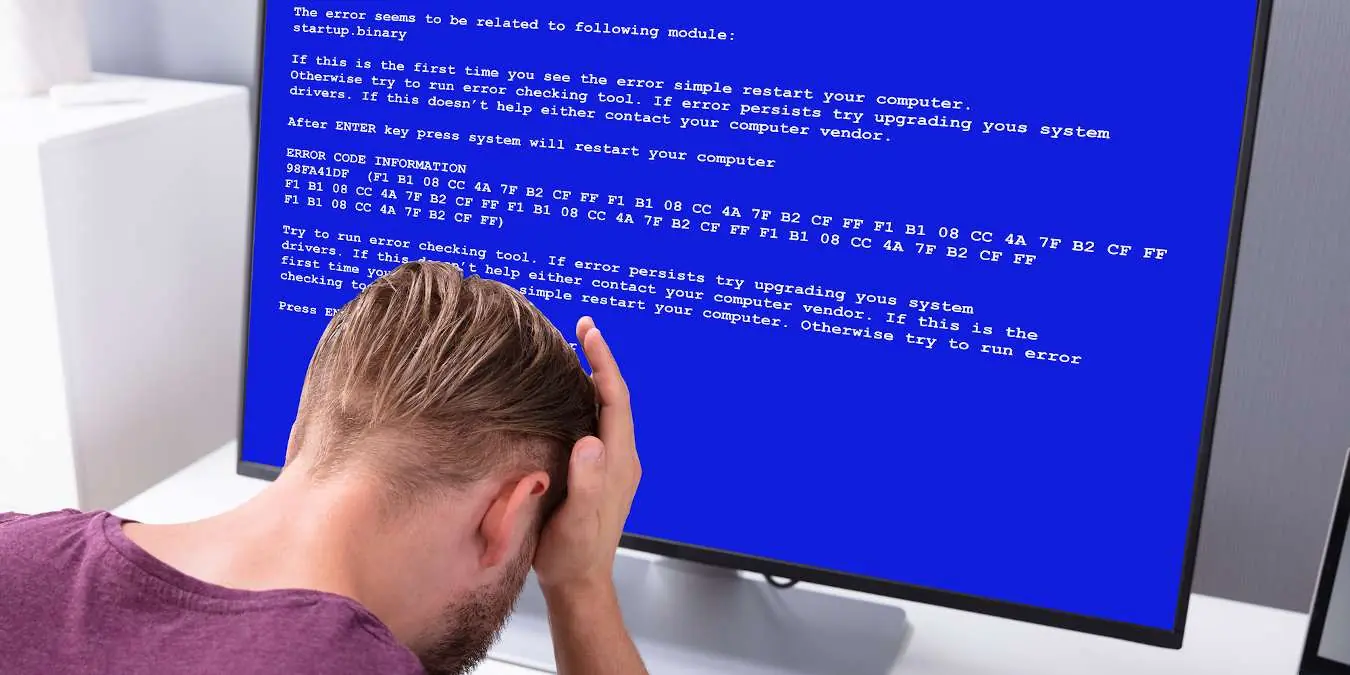
If you can't install the update, you can either wait for the optional release of the month or simply use the Media Creation Tool, which has been updated with the fixes contained in the November 2025 Patch Tuesday.
KB5068861 is a Patch Tuesday update. This means it will install automatically, whether you like it or not. But you should know, the November 2025 update fixes 63 critical security issues. The problem is that this update is not installing on some computers due to the following three errors:
0 x 80070306
0x800f081f
0x800f0983
What to do if KB5068861 won't install on Windows 11?
Use the Media Creation Tool.
Before you try it, however, download the .msu package from the Microsoft Update Catalog and try the installation.
If this method fails, you will need to use the Media Creation Tool, download the tool. 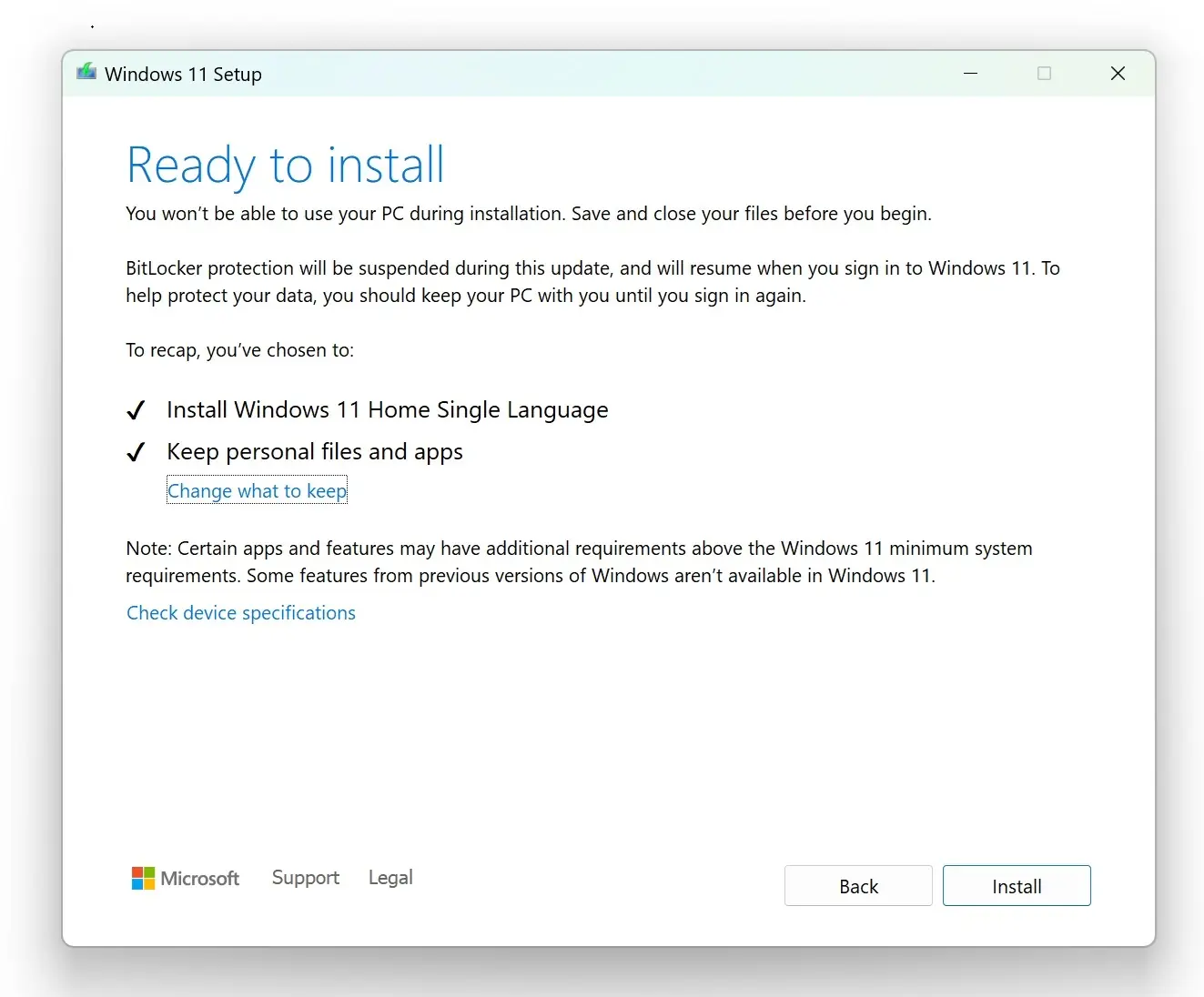
Run the Media Creation Tool and try updating your computer, keeping your personal files and applications.



0 reviews
iGuRu.gr