



PCmover Express: At upgrade of Windows 7, 8 or 8.1 in Windows 10, all archives they are automatically transferred to your new operating system system. So you won't lose anything important, like your settings and apps, which means you can start working with Windows 10 right away.
But what if you install Windows 10 from a start on a computer and want to transfer the files from another computer running Windows 7, 8 or 8.1.
Things are not simple. That's why Microsoft signed a partnership with Laplink and offers a file transfer solution, The application is called PCmover Express and will be free for a year.
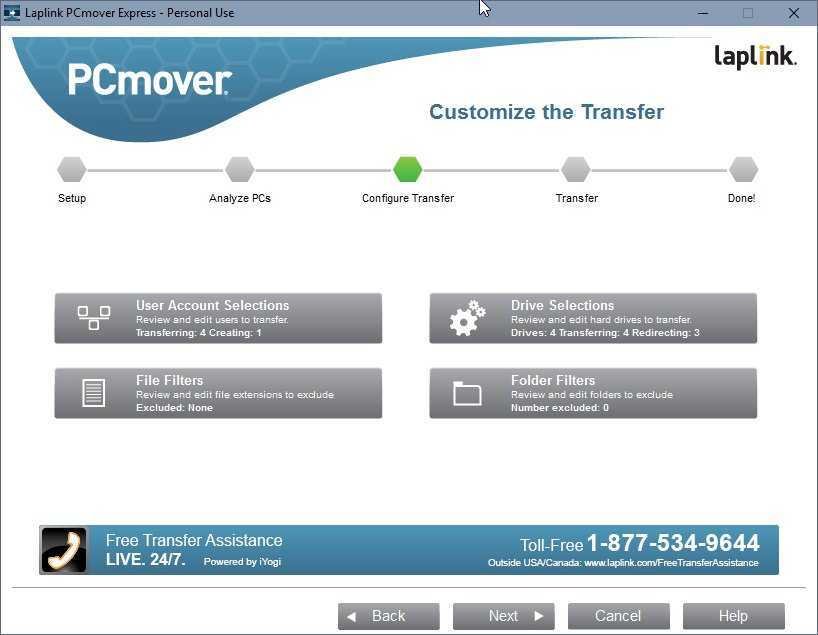
PCmover Express will download all your files and settings from Windows 7, 8 and 8.1 completely free.
It should be noted that this offer will be valid until 31 August 2016, as long as the free upgrade offer is available in Windows 10.
What's also important to note is that this app can not transfer your apps, but only your personal files and settings.
Apps installed in Windows 7, 8, and 8.1 should be reinstalled on your new computer.
Download PCmover Express for free

