



The PC Managers it is not yet available in the Store for many countries, including Greece. But you can try this trick and download it instantly without waiting.
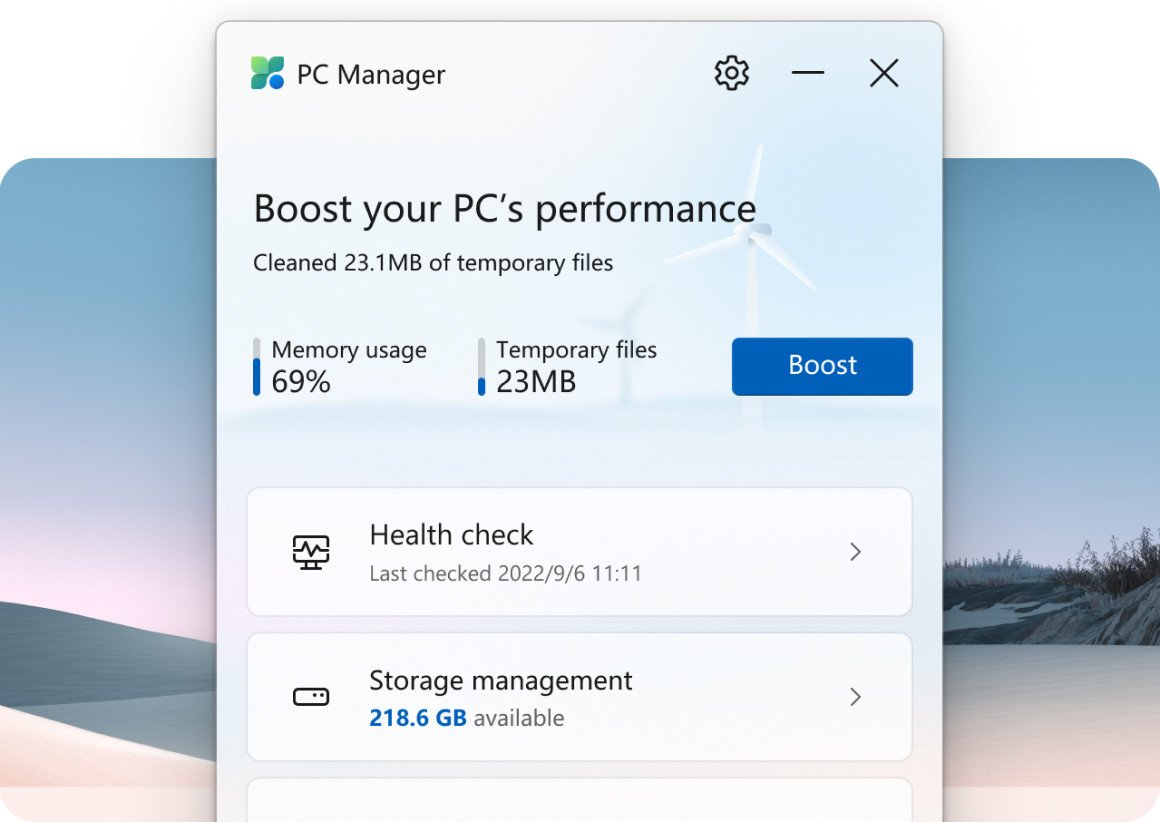
The Microsoft PC Manager application is released gradually around the world but still in most areas, even though it is in the Microsoft Store, is not available for download.
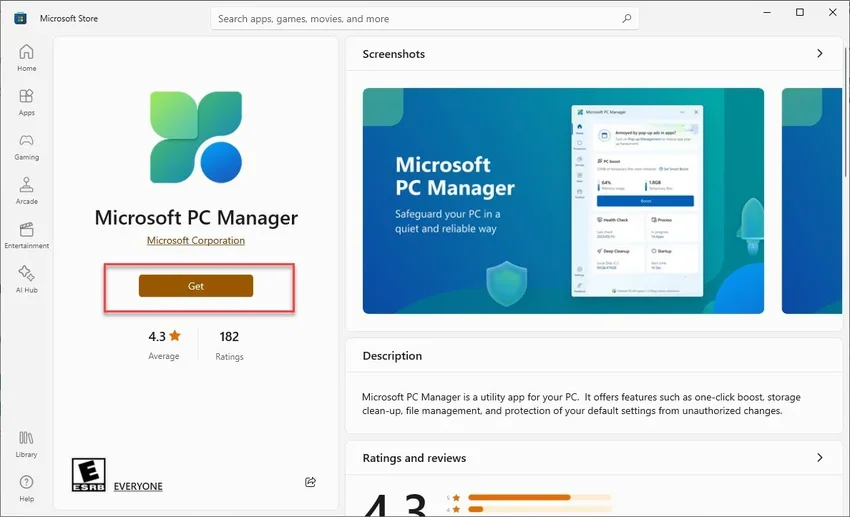
If you go to the Microsoft Store and find it, you'll see that the Get button is missing.
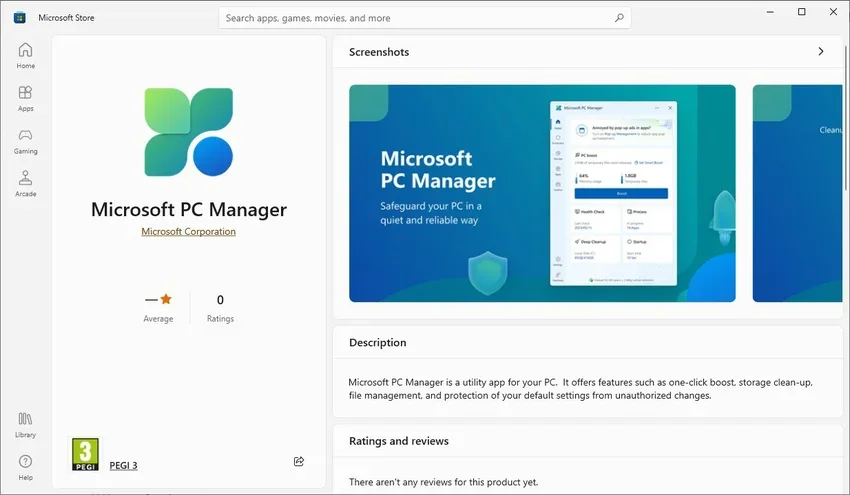
The reason is that Microsoft is gradually rolling it out in different countries. So if you are in Europe in general, for example Greece, PC Manager is not yet available for download, even from the official website.
But what can you do? Try the trick below that worked for us.
step 1 : Press Win+I keys at the same time to open Settings. Go to “Time and Language” and then click on “Region”.
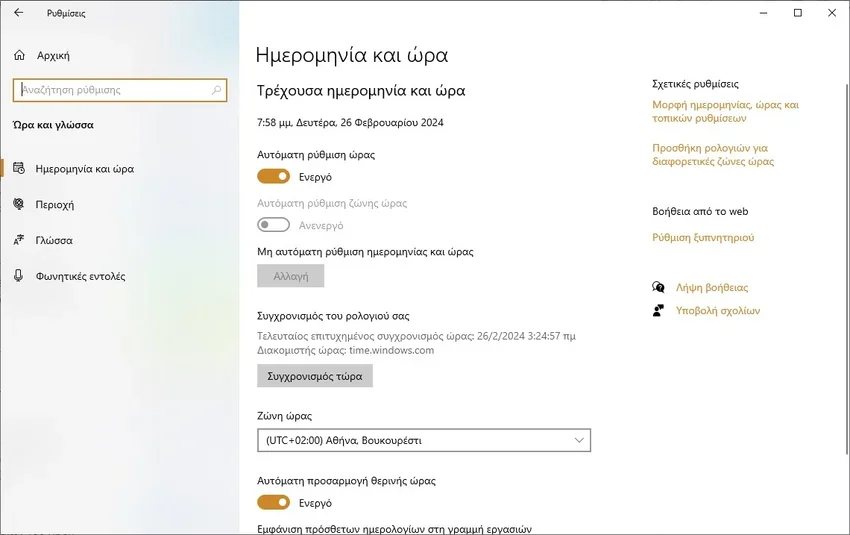
step 2 : Now, in the “Country or region” field, select “United States” from the drop-down menu.
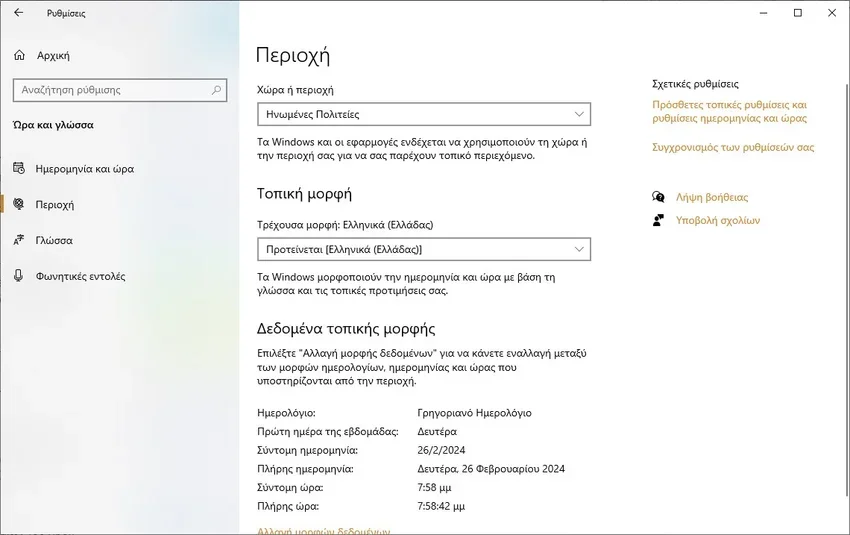
step 3 : Restart the PC for the changes to take effect, go back to the Microsoft Store, search for PC Manager, and magically you'll see the Get button. Click on it to download the app. You will even see reviews.
step 4 : Do steps 1 to 3 again to return to your real area in settings.
Alternatively instead of the United States you can choose China, India, Hong Kong, Macau or Taiwan. Microsoft PC Manager is also available in all these regions! (Sounds logical. Is Macao the same as Greece?).


WOW! IT WORKED. THANKS