Of course it works. Following Microsoft 's announcements for the upcoming operating system Windows 11, I thought to check if my computer has TPM, and if so, in which version.
The ways you can control your PC have been published by Dimitris here.
I followed the instructions on partition with Windows. I have Windows Server 2019 Standard installed and I use it as a workstation, if I need a Windows environment. I find it safer and more stable than Windows 10.
During the test I noticed that the TPM module was not activated. Restart on Windows, F10, enter the BIOS and enable it (it was on the Security tab).
After my Windows login I had the following Results:
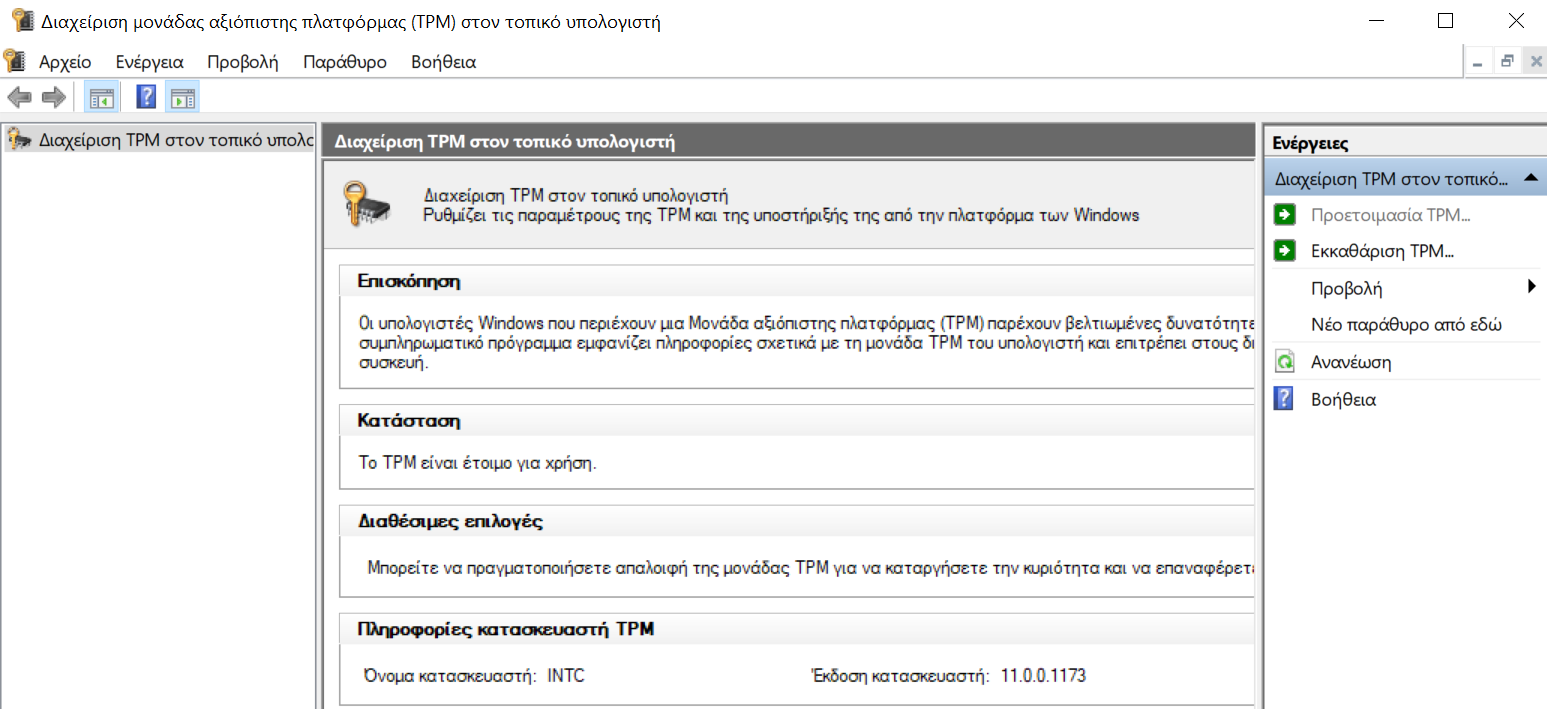
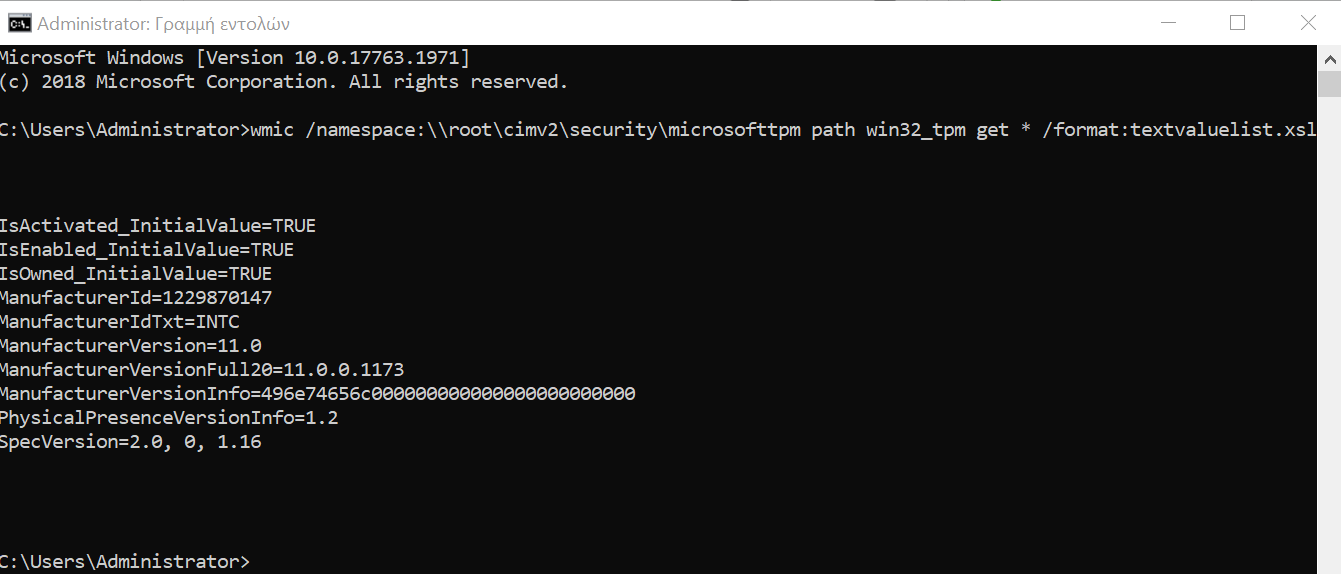
Let's see now what happens to Linux.
Enabling the TPM module will not present you with any problems, especially if the kernel that usesThis is a new version. I'm currently running Debian 11 Bullseye on a daily basis (yes it may still be in development and it's released as a beta version but it's more stable than stable Windows).
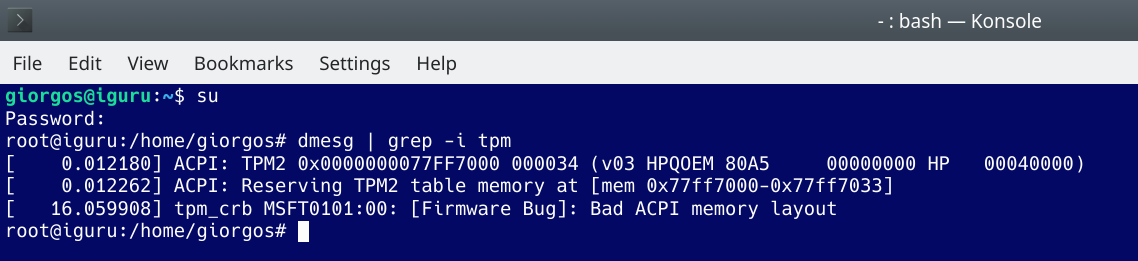
As you will see in the screenshot below, Debian sees the TPM module, (chip type, version) but there is a bug in it firmware.
I can live without it.